Scattered requests in one place
from intake to delivery
A request portal, AI triage, and GitHub/Slack integrations connect execution to client updates.
Get started — it’s free. No credit card required.
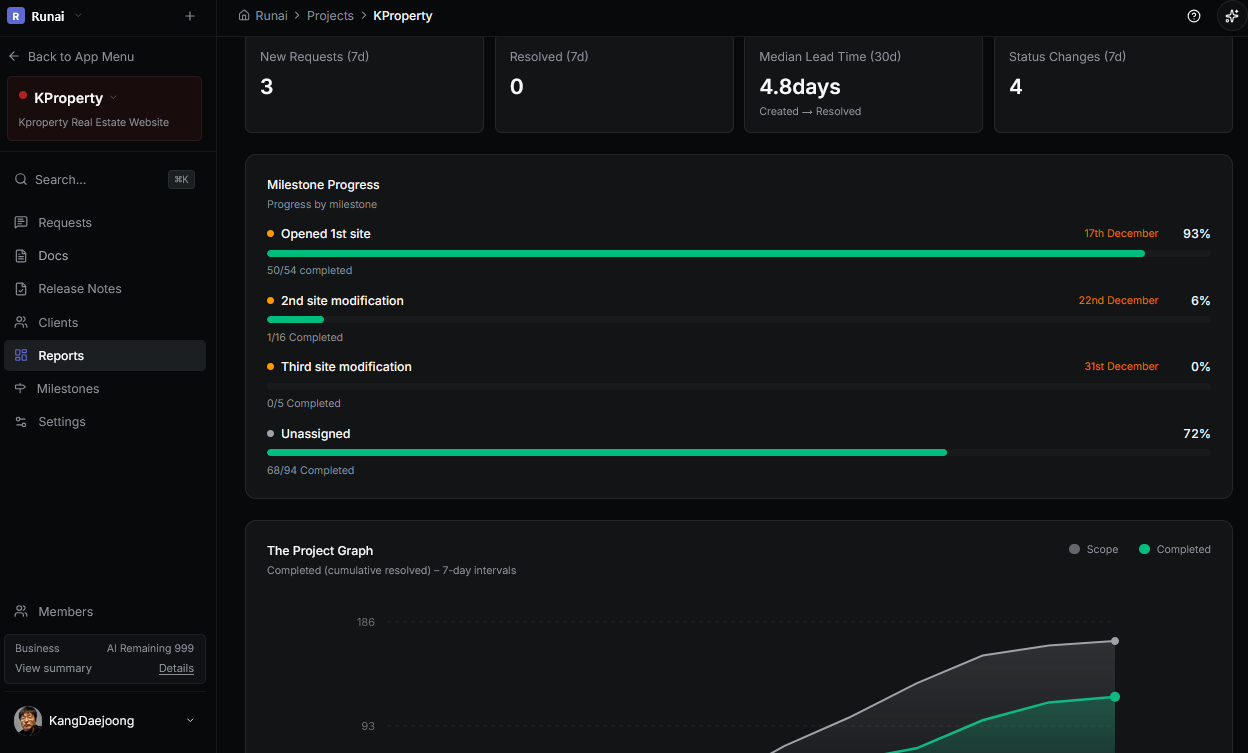
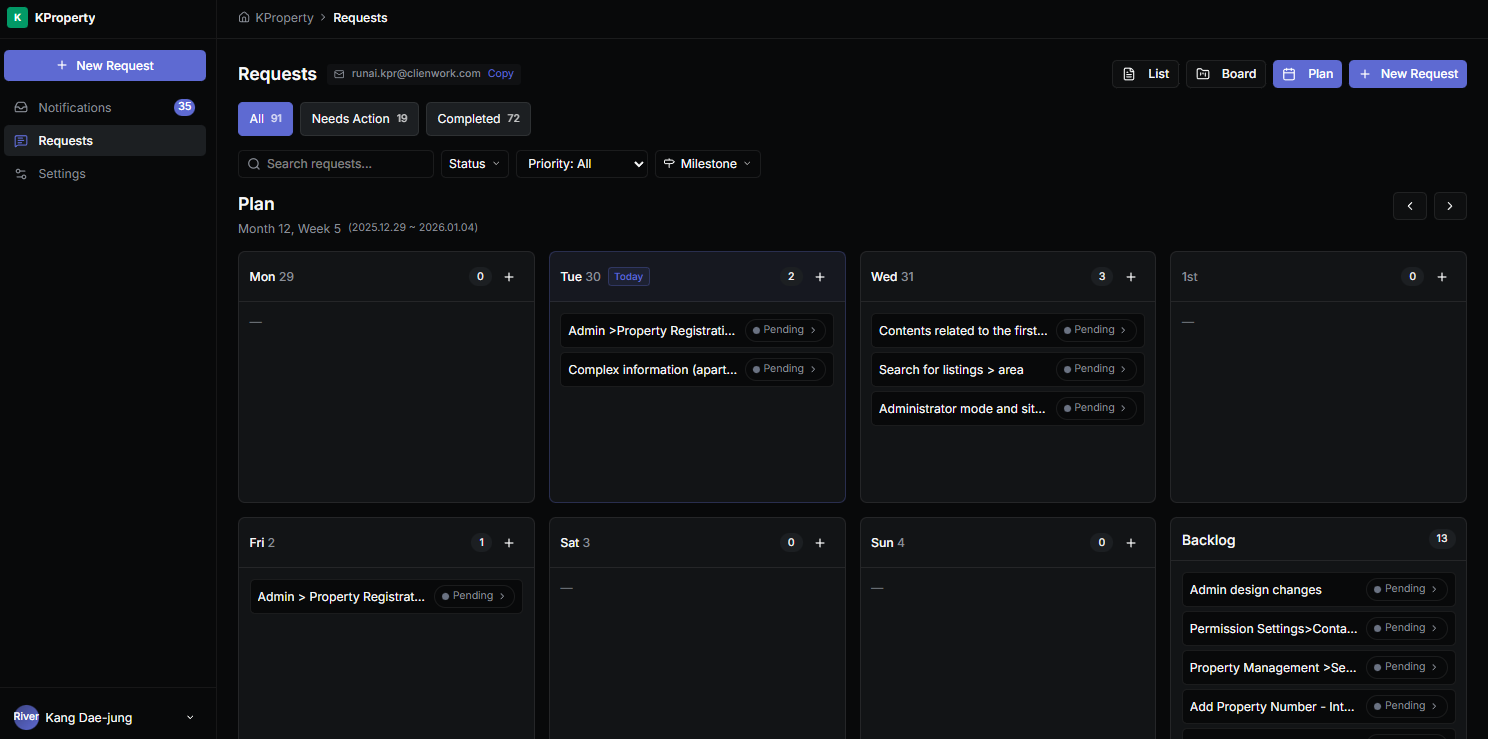
Four benefits you feel immediately
A client portal without internal noise
Share progress without exposing internal backlog, tools, or chaos.
Requests stay attached to GitHub delivery
Issues/PRs and status updates flow back to each request—no copy-paste.
AI manager + MCP: act from your IDE
Let AI handle triage and updates, then run actions in-editor via your MCP server.
One inbox across email, Slack, and push
Capture inbound and notify the right people before things slip.
Turn scattered requests into actionable work.
Requests are scattered
Collect email/chat/docs into one intake channel.
Ownership is unclear
Assignees and statuses make the process explicit.
Client updates are slow
Reduce back-and-forth with comments and progress sharing.
Connect without changing your workflow.
GitHub
Keep PRs/issues and delivery progress attached to work context.
Slack
Share updates and outcomes transparently in team channels.
MCP
Run query/search/update actions directly from IDE/AI tools.
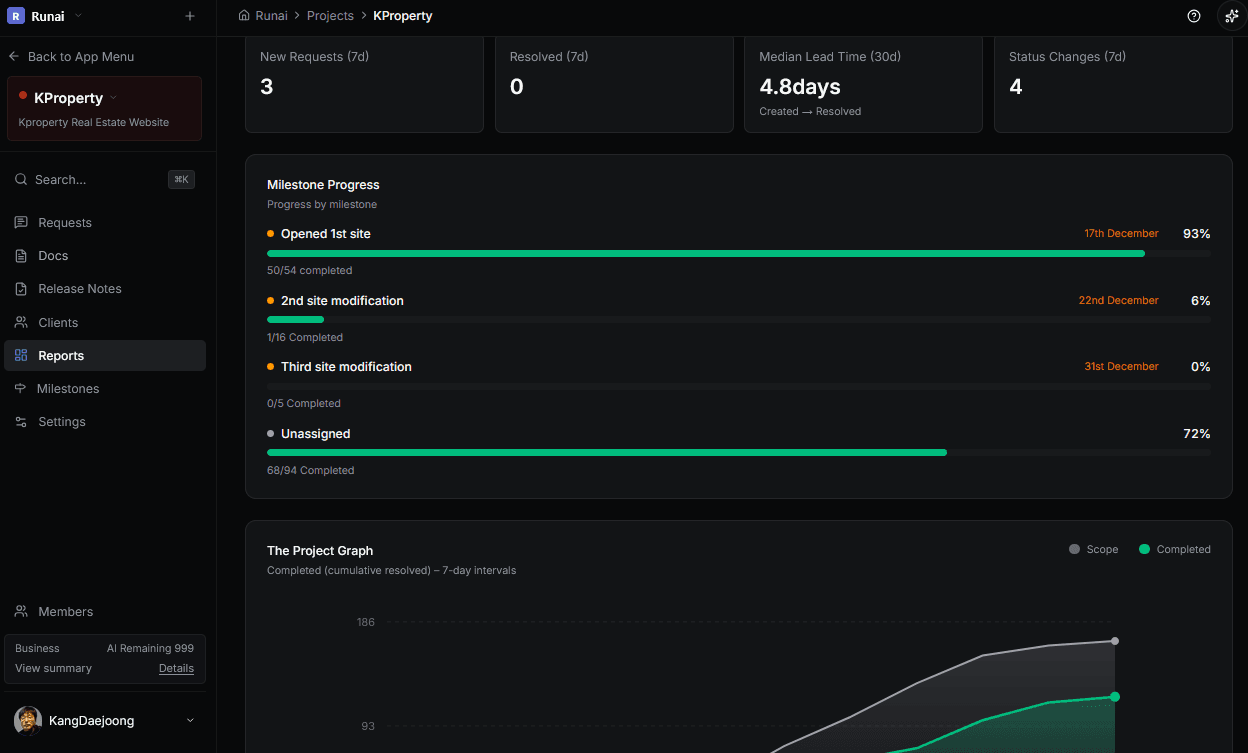
Organize from the moment a request arrives.
Collect requests in one place, then break them down into executable work.
From request to delivery, one connected flow.
Requests come in through portals and email. AI agents and your IDE handle the work. Everyone stays in sync.
Designed for Impact
Built to transform your workflow
Faster Response
Unified channel replaces scattered inboxes
Client Satisfaction
Real-time progress sharing & transparency
Processing Speed
Automated workflows & integrations
Project Success
Clear requirements & trackable history
* Designed based on common team pain points
Why teams switch
Four benefits you feel immediately
A client portal without internal noise
Share progress without exposing internal backlog, tools, or chaos.
Requests stay attached to GitHub delivery
Issues/PRs and status updates flow back to each request—no copy-paste.
AI manager + MCP: act from your IDE
Let AI handle triage and updates, then run actions in-editor via your MCP server.
One inbox across email, Slack, and push
Capture inbound and notify the right people before things slip.
Trust
Keep clients and your team aligned in one shared context.
Client portal (PWA)
Share requests per project and keep progress transparent.
Roles & permissions
Separate internal and client access and share only what’s needed.
Workflow integrations
Connect MCP, Slack, and GitHub without breaking delivery flow.
Problem → Outcome
Turn scattered requests into actionable work.
Requests are scattered
Collect email/chat/docs into one intake channel.
Ownership is unclear
Assignees and statuses make the process explicit.
Client updates are slow
Reduce back-and-forth with comments and progress sharing.
Organize from the moment a request arrives.
Collect requests in one place, then break them down into executable work.
- One intake channel for client requests
- Break down requests (request → work items)
- Intake → breakdown → owner/status → client sharing
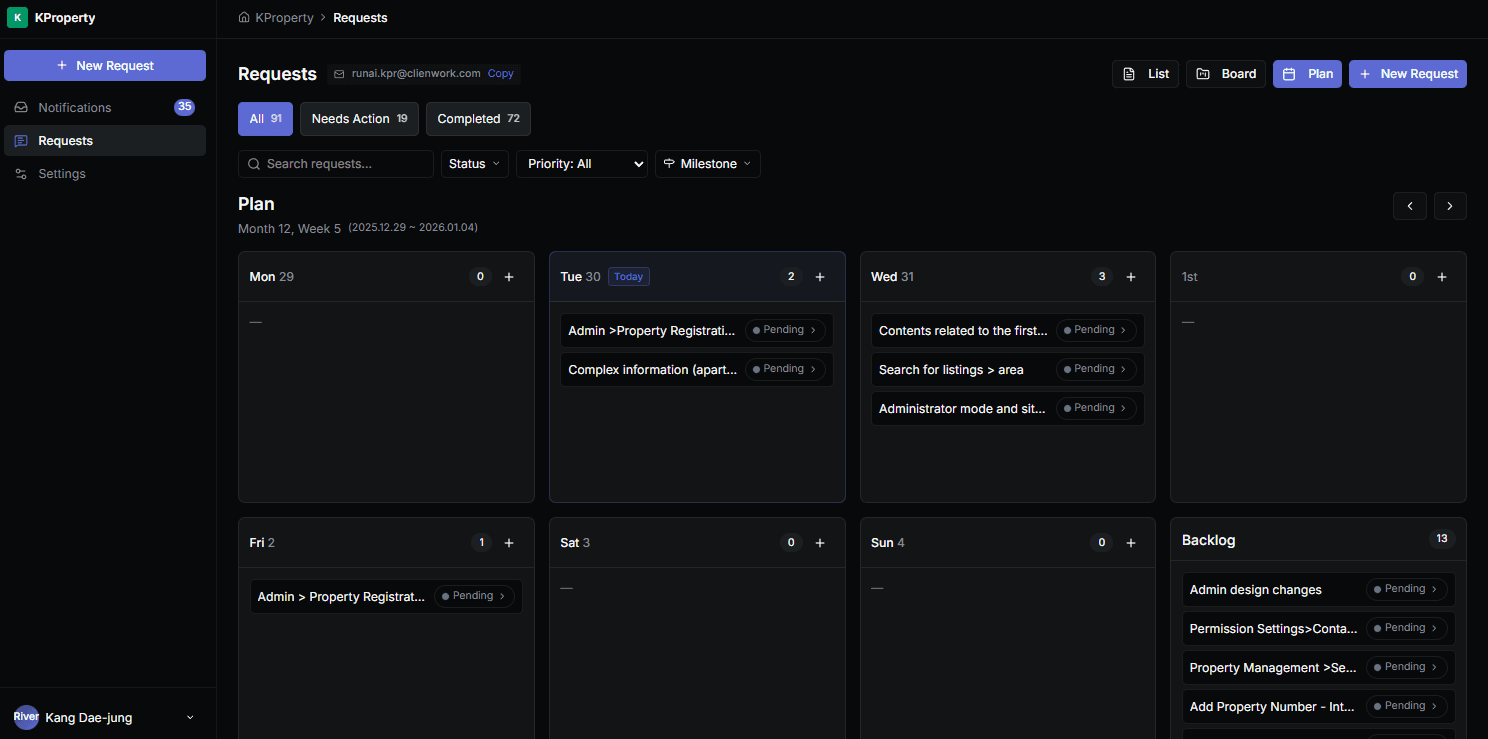
Planning
Cycle-based planning vs. a simpler Plan View
Some tools run on cycles. clienwork’s Plan View focuses on making planning easy and frictionless from real requests — without naming a specific competitor.
Cycle-based planning (other tools)
A time-boxed cadence can be a strong default when your team already operates in sprints.
What it’s great at
- Clear time boundaries help establish a delivery rhythm
- Works well for roadmap-style planning and commitments
- Helps align on scope and focus within a cycle
Tradeoffs
- Ad-hoc client requests can be harder to place without breaking the cadence
- More process overhead to keep cycles healthy
- Context can drift if requests live outside the planning view
Plan View (clienwork)
Plan directly from requests. Keep it lightweight so anyone can use it immediately.
What it’s great at
- Go from request → plan in the same flow
- Less setup and fewer rules to maintain
- Easier to share progress with clients in plain language
Tradeoffs
- If you need strict sprint metrics, add lightweight team rules
- Cadence-driven teams may still prefer a cycle ritual
- Highly structured planning can require extra discipline
From request to delivery, one connected flow.
Requests come in through portals and email. AI agents and your IDE handle the work. Everyone stays in sync.
Dev-first integrations
Plan work in clienwork. Ship in your dev environment.
Connect the channels developers use daily to keep “request → execution → confirmation” continuous.
GitHub
Keep PRs/issues and delivery progress attached to work context.
MCP
Run query/search/update actions directly from IDE/AI tools.
Slack
Share updates and outcomes transparently in team channels.
Error Tracking
Catch bugs before your clients do.
Collect frontend and backend errors from your apps, link them to requests, and resolve issues faster with full context.
- SDK for React, Next.js, Node.js — one-line setup
- Auto-deduplicate errors with smart fingerprinting
- Convert errors to requests and track resolution
- Source Maps support for readable stack traces
Collect Errors
Capture errors from frontend and backend with full stack traces.
Triage & Link
Convert errors to requests and assign owners for resolution.
Auto-Resolve
When linked requests complete, errors are marked resolved automatically.
Source Maps
Upload source maps to see original code in stack traces, not minified bundles.
Specs, decisions, and notes stay attached to delivery.
Keep documentation connected to projects/requests/issues so context doesn’t drift.
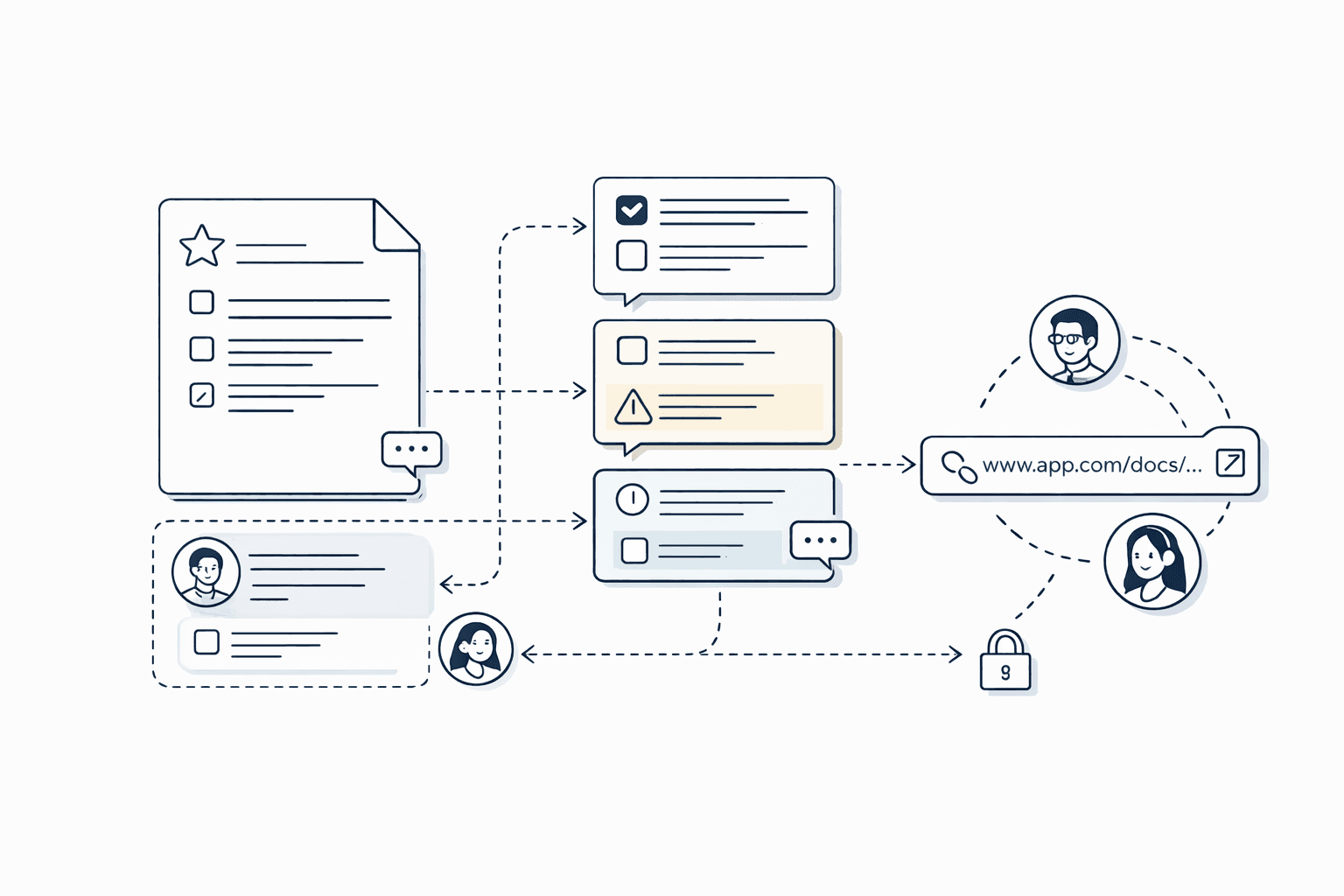
Link docs to related requests/work/issues
Track the latest decisions and progress in one flow
Share safely with the right people
Core features
Focus on a request-handling workflow.
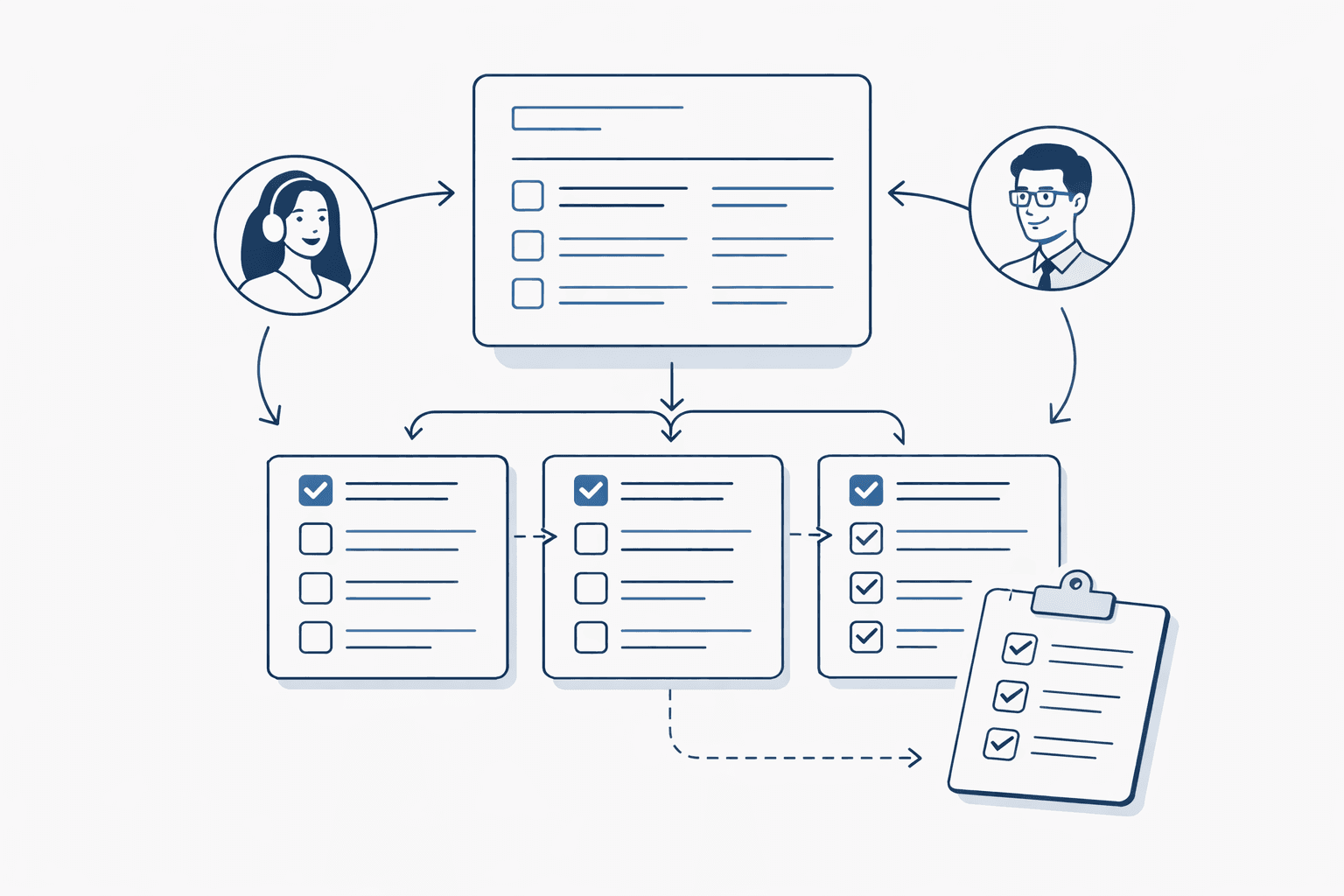
Request handling flow
Clarify work with statuses, ownership, and actionable items.
- Statuses (triage/review/in progress/done)
- Assign owners
- Break down into work items (checklists)
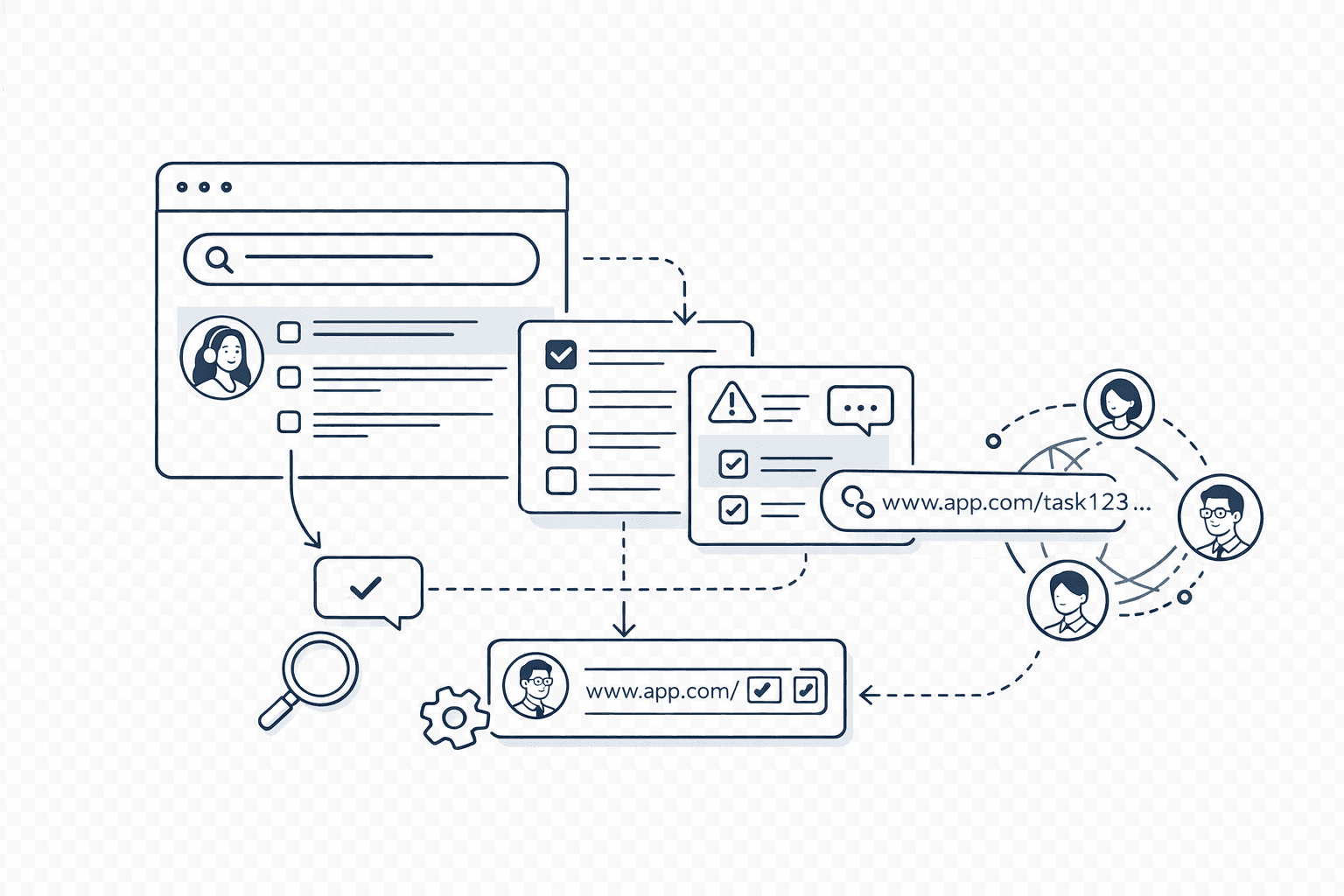
Search & context
Find past requests and issues fast and keep context connected.
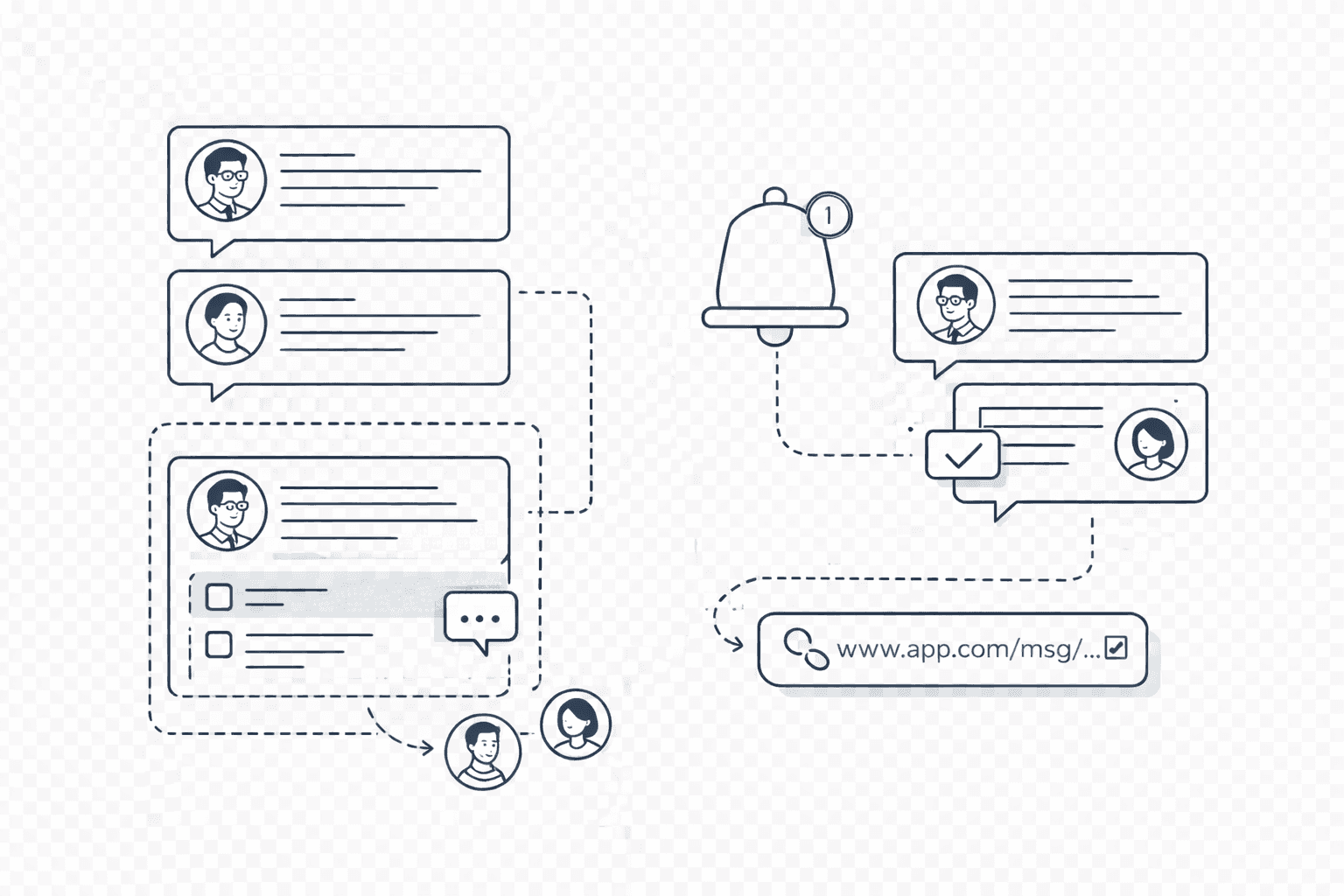
Communication
Turn client communication into a traceable work log.
- Threaded comments
- Separate internal vs external context
- Quick sharing via notifications and links
Integrations
Connect without changing your workflow.
Plan work in clienwork, ship in your dev environment.
MCP
Run query/search/update actions directly from IDE/AI tools.
Slack
Share updates and outcomes transparently in team channels.
GitHub
Keep PRs/issues and delivery progress attached to work context.
AI Agent
Delegate tasks to coding agents like GitHub Copilot, Claude, and Gemini to automate development work.
Use cases
Built for teams delivering client work.
Agencies
Separate multiple clients/projects and handle requests systematically.
Freelancers
Make progress sharing easy even for small projects.
In-house teams
Unify intake channels and clarify priorities.
Multi-language UI
Clienwork is available in multiple languages for client-facing teams.
Save hours every single week.
A request portal, AI manager, and GitHub/Slack/MCP integrations cut triage and updates—so work ships faster with less back-and-forth.
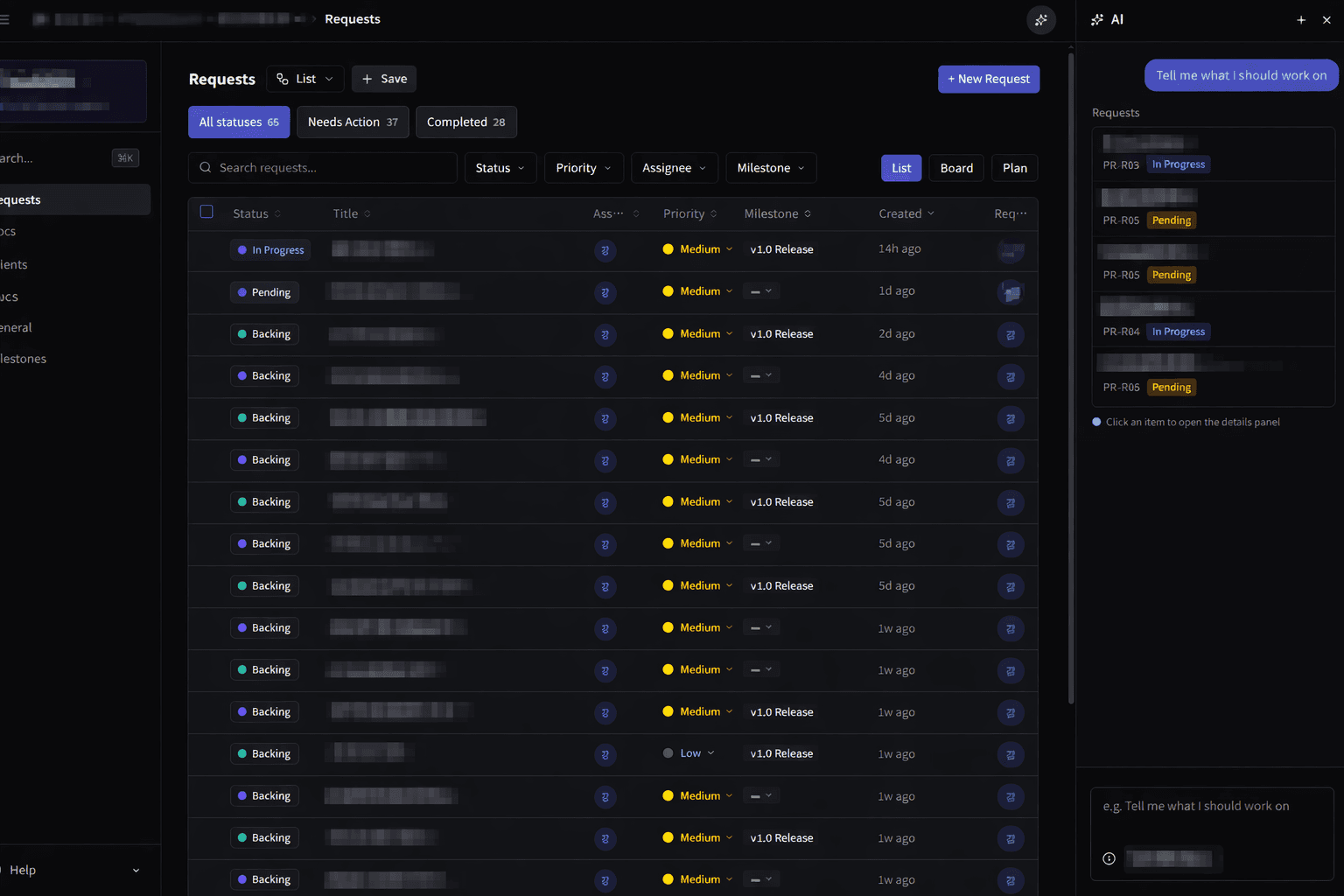
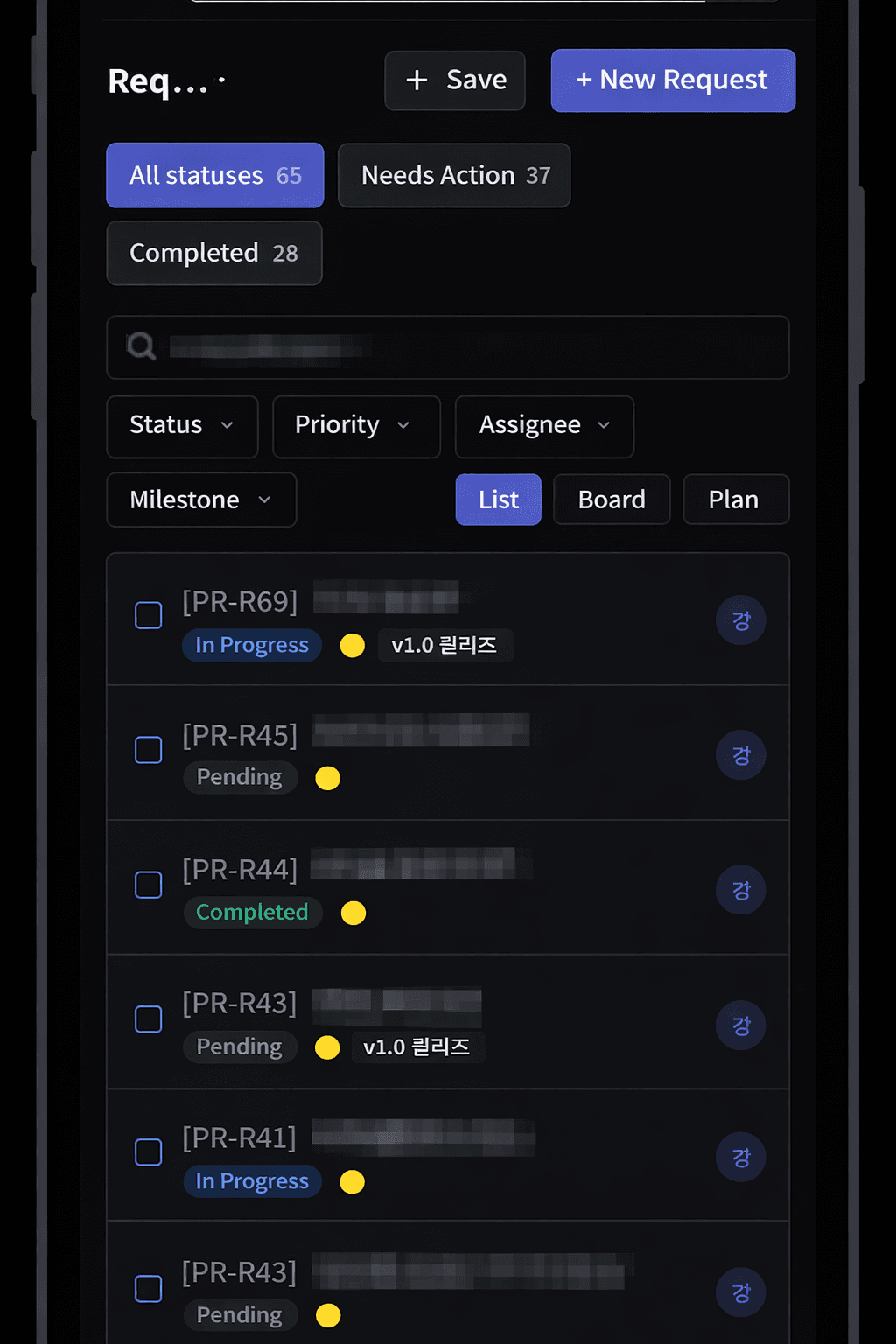
Built for teams delivering client work.
Agencies
Separate multiple clients/projects and handle requests systematically.
Freelancers
Make progress sharing easy even for small projects.
In-house teams
Unify intake channels and clarify priorities.
* Designed based on common team pain points
Trusted by Teams Worldwide
See how teams use Clienwork to streamline their client workflows.
“We cut our client response time in half. The request portal alone was worth switching for.”
Sarah Chen
Operations Director, Radius Digital
“Finally, a tool that doesn't make me choose between internal project management and client-facing workflows.”
Marcus Webb
Founder, Tidewater Labs
“My clients used to chase me for updates. Now they check the portal themselves. Game changer.”
Yuki Tanaka
Freelance Consultant
“The approval workflows saved us from the endless email chains. Our team actually follows the process now.”
David Okonkwo
CTO, Greenline Software
“Onboarding new clients went from a week-long ordeal to a 30-minute setup. Not exaggerating.”
Priya Sharma
Account Manager, Nimbus Creative
“We manage 40+ active clients. Before Clienwork, that meant 40 different Slack channels. Not anymore.”
Jonas Eriksson
Project Lead, Northvane
“The dashboard gives me a real-time view of every project. I stopped asking my team for status updates.”
Megan Torres
Studio Manager, Basecamp Studios
“Clients love the transparency. They can see progress without scheduling a call. Fewer meetings, happier everyone.”
Alex Kim
Engineering Manager, Stackflow
“We tried three other tools before Clienwork. This is the first one that actually fits how agencies work.”
Laura Bianchi
Creative Director, Studio Forma
Frequently Asked Questions
Everything you need to know about getting started with Clienwork.
Clienwork is a client work management platform that combines a request portal, AI triage, and integrations with GitHub, Slack, and MCP to streamline how teams handle client requests from intake to delivery.
Yes. The Free plan is forever free and includes up to 2 projects, unlimited team members, and all core features. No credit card required.
Clienwork is built specifically for client-facing teams. It includes a client portal, request intake workflows, and client-friendly sharing that internal tools like Jira or Linear do not provide out of the box.
No. Clienwork separates internal and client-facing contexts. You control exactly what clients can see through the client portal and permission settings.
Clienwork integrates with GitHub (issues, PRs, commits), Slack (notifications, updates), email (inbound intake), and MCP (IDE actions). AI agent support for Claude, Copilot, and Gemini is also available.
Most teams are up and running in under 30 minutes. Create a workspace, invite your team, set up a project, and start collecting requests immediately.
Turn requests into work, starting today.
Collect in one channel, connect execution, and share outcomes.
Get started — it’s free. No credit card required.